
“The number one way to succeed on the job is to use technology.”
—Dr. Michael Ryan (DyslexiaHelp’s contributing expert)
Today’s technological age has brought forth a number of very good computer programs and tools to help individuals with:
- Listening and speaking
- Reading and spelling
- Writing and organization
We have found the following software programs and assistive devices successful in helping to address the areas that affect dyslexic individuals. These technologies cannot replace direct intervention, but they can augment a therapy program. Training from a professional may be required to get the best results. These technologies help:
- Accommodate for challenges
- Increase self-confidence at home, in the classroom, or on the job
We update this page as new technologies are developed, so visit often!
Listening and Notetaking
School Age and Up
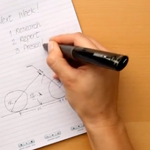
The Livescribe Smartpen will record lectures that you’re listening to while you take notes, so you won’t miss any information. You can go back and listen to the recording to fill in any hard-to-clarify areas.
Other Features
- Good for people with poor handwriting
School Age and Up
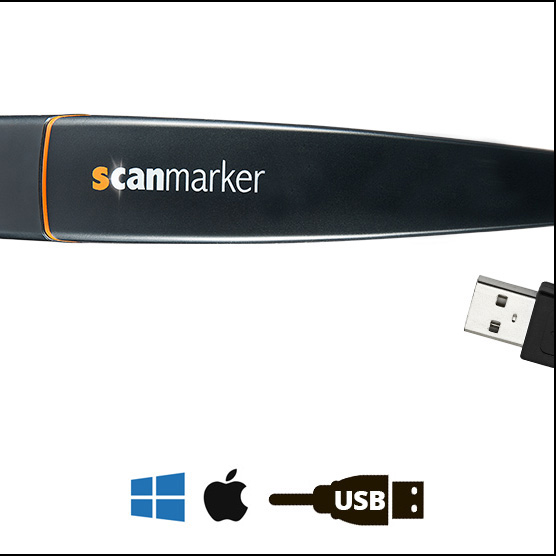
Scanmarker is a digital highlighter that instantly transfers words on paper to a digital device for easy note-taking and deeper comprehension. Available for translation in over 40 different languages, the versatile pen helps to save time for a busy student. This unique tool also allows for the text to be read aloud as you go. Figures and graphs are also scannable by the Scanmarker pen.

School Age and Up
Docutain is a PDF Scanner and Document Management Application that enables users to easily scan, edit, share, and manage documents on their smartphones. It is available on both Android and iOS.
Phonics
School Age and Up
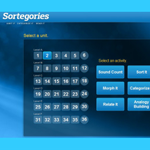
Sortegories, an Orton-based web supplement to the LANGUAGE! curriculum, is designed to help build vocabulary, literacy, and reading comprehension. The software has 36 different units, beginning with basic phonics, and progresses to word- and sentence-building. Sortegories meets The Common Core State Standards.
Ages 5–9
Talking Fingers is an approach to reading and writing in which the typed or written text children create with their fingers is speech made visible. The Talking Fingers method teaches children to link the sounds in words to the appropriate letters and their corresponding keystrokes.
Reading, Writing, and Study Support
School Age and Up
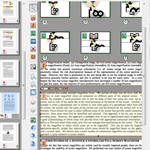
The ClaroRead line of educational software provides reading and writing support tools for struggling learners, or anyone looking to make the writing process easier. The software includes text to speech, word prediction, spell check, and more in one easy to use program. The software is available for both PC and Mac.
School Age and Up
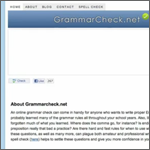
This online grammar checker will show (and suggest corrections for) grammar errors in your essay or other written document.

School Age and Up
The iPad has several tools and features that can be helpful with learning, such as:
- Touch-screen technology in either portrait or landscape
- Built-in screen reader
- iBook application for reading, listening to, and buying new books
Other Features
- Note application for managing to-do lists
- Calendar application

School Age and Up
Barnes and Noble offers its Nook, which has a “read and record” feature that allows you to record your own narration to books. In addition, the Nook has its own set of interactive games.
School Age and Up
Struggling with Dyslexia or other learning disabilities can make reading difficult and not very much fun. So let KidsRead2Kids read to you. KidsRead2Kids has picked their favorite abridged versions of beloved classic stories and filmed kids reading them so you can follow along at your pace.

Ages 8 and Up
Kurzweil 3000 allows struggling readers to learn the same content as their peers in different ways with this reading, writing and learning software solution. Kurzweil 3000 supports Universal Design for Learning, and offers:
- Fluency
- Vocabulary
- Comprehension
- Writing
- Study skills
- Test-taking support
Other Features
- Text-to-speech capabilities for documents and web pages
- Color highlighters
- Notes and bookmarking
School Age and Up
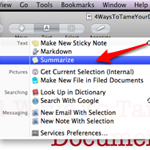
These text summarizers enable your computer to give you the gist of a body of text. Summarize Word documents, PDF files, and web pages.
Text-to-Speech

School Age and Up
This portable electronic reading device allows you to electronically read books, newspapers, blogs, and magazines, all of which can be accessed and downloaded wirelessly through the Kindle device.

School Age and Up
FlameReader allows you to read text aloud in any computer with customized voice, speed, and pitch. It also converts text to mp3, reads text in other applications, and can translate between seven different languages.
School Age and Up
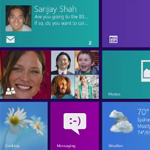
Narrator is a screen reader that reads text on the screen aloud and describes events like error messages so you can use your PC without a display.

School Age and Up
This text-to-speech program assists with reading by converting text on web pages, in e-mails, PDF files, and in applications like Microsoft Word to words spoken in a natural voice.
Other Features
- Can convert text into MP3 and WAV files

School Age and Up
ReadSpeaker is a text-to-speech provider that is applicable to any website. It’s easy to use and with a click of a button, any text on your website is converted to speech.

School Age and Up
TextAloud is a text-to-speech software designed for Windows PC that provides a multisensory approach for struggling readers. With natural-sounding speech, TextAloud provides an easy-to-use interface that can also be integrated into a web browser. Features including text color, size, font, and speed are all customizable to the reader’s needs. Save reading to an audio file for listening on other devices.

School Age and Up
This software can both read and translate any piece of text in a computer application. It can be used with Microsoft Word, email, and web pages.
School Age and Up
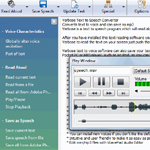
Verbose is an easy and convenient text-to-speech converter that can read aloud or save spoken text to mp3 files.
All Ages
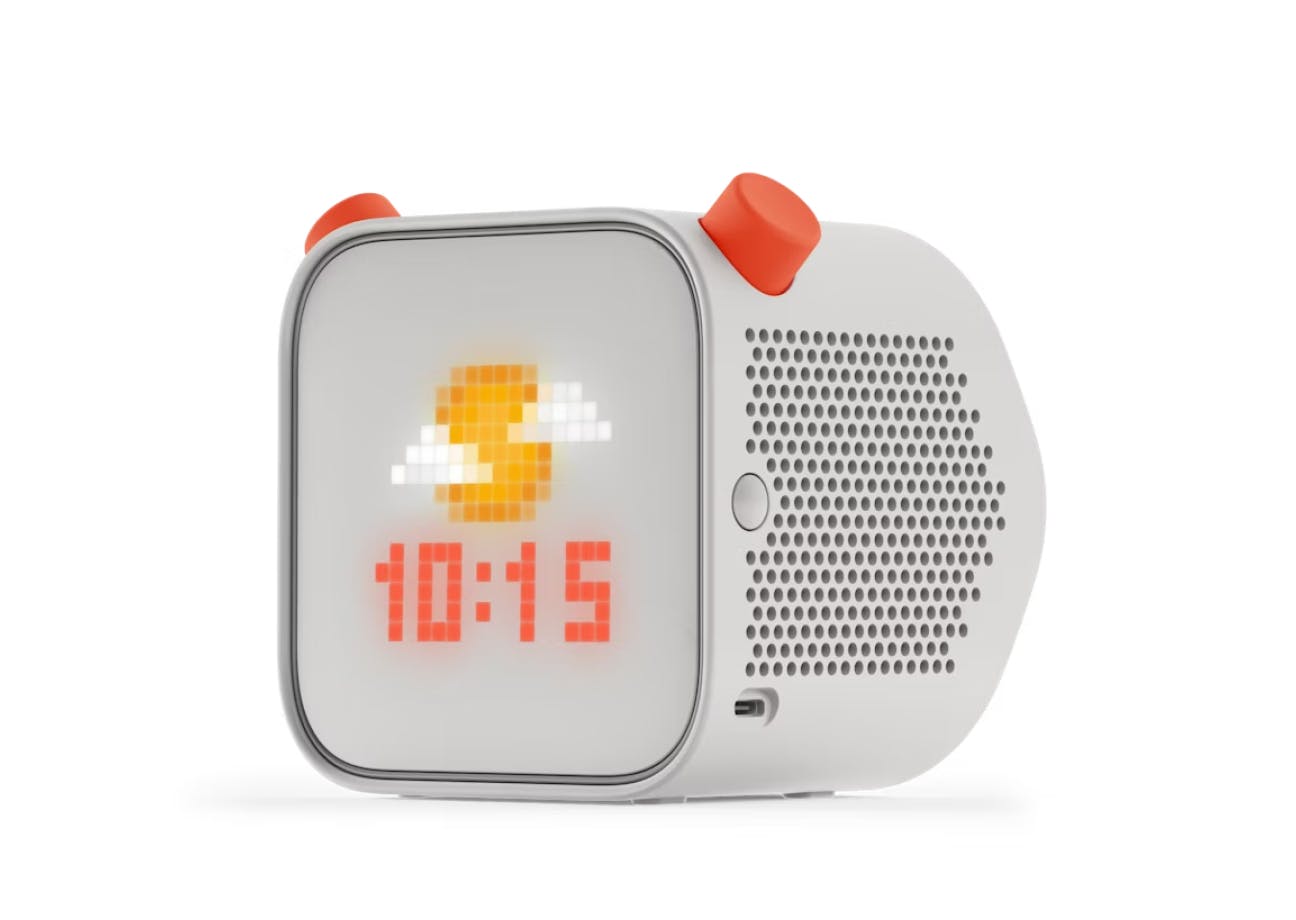
The Yoto player is a device that plays audio files through cards that you put in it. You can buy audio books and music cards from the Yoto website or create your own with their customizable cards through their app.
Writing and Spelling Software

This simple-to-use software corrects and offers suggestions for basic spelling and grammar mistakes when its user inputs words into web pages, e-mails, and applications like Microsoft Word. It also has text to speech for small passages or for whole pages, makes vocabulary lists with definitions, and more.

School Age and Up
Ghotit Real Writer & Reader for Mac, Windows, Linux, and Android is a text editor and contextual spell checker geared towards users with dyslexia and dysgraphia, as well as English Language Learners (ELL).
Other Features
- Text-to-speech/reading aloud from most applications with dual highlighting
- Grammar and punctuation corrector
- Word prediction and proofreading tools
- Built-in dictionary

School Age and Up
Ginger writer is the leading writing assistant and grammar checker. Rather than editing a piece of writing one word at a time, Ginger checks the entire sentence for clarity. Ginger is used to correct spelling and grammar mistakes so you can focus on the content your writing. Ginger’s apps are available on Windows, Microsoft Outlook, Google Chrome, iPhone and Android.
Other Features
- Text-to-speech
- Rephraser
- Translation
- Synonyms

School Age and Up
Grammarly is an online grammar checking website that can scan essays, articles, and other documents to find mistakes in the text. The website’s program looks for over 250 grammar mistakes encompassed in seven areas: grammar, punctuation, spelling, enhancement, style, sentence structure, and plagiarism.
Other Features
- Grammar and punctuation corrector
- Spell-checker
- Error explanation
- Outdated spelling

School Age and Up
WordQ is a tool designed for students who have difficulty with writing. It suggests words while the user writes, creating easy word-flow. It also gives spoken feedback, which makes it easier for students to detect their mistakes and correct them.
Other Features
- Microphone function for dictation
- Clears up confusion between similar-sounding words such as their, there, and they’re
- App available for the iPad
Online Tools

School Age and Up
Created with teachers and students in mind, Citation Generator simplifies the daunting, but very important, citation process. With its easy-to-use interface, users can cite their sources in APA, MLA, and Chicago style by copying and pasting their text into the machine. This resource is free of cost and does not require an account to use.

School Age and Up
This free tool was developed by the BBC and contains a visual of a color-coded keyboard that helps children keep track of which keys each finger should cover. It contains animation and narration to keep the learners engaged and has different levels to match experience levels.

School Age and Up
This tool works to encourage children to use the correct hand for each letter. There are multiple levels as well as accuracy checks throughout the way. The passages are educational and targeted towards the user’s age, so they will gain information while also learning to type. There is a $9.99 yearly price.
School Age and Up
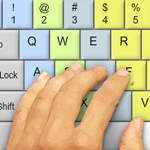
Keybr.com can help you learn to type better and faster. It has three basic lessons (plus a “custom” mode), and the software keeps track of all of your mistakes and your words–per–minute (wpm). It even creates graphs of your day–by–day performance.

School Age and Up
This free tool is good for children who know how to type but want to improve their speed in a fun and interactive way. The game consists of car races against others to make it engaging. It also has a feature that can generate reports for teachers.
School Age and Up
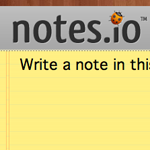
Notes.io is an online tool designed for quick note-taking and sharing. You can quickly type, save, and archive any notes you take and share them via a shortened URL.
School Age and Up
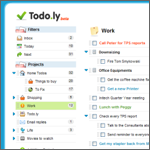
Todo.ly is an intuitive and easy-to-use online to-do list and task manager. Create to-do lists, organize them into projects, and manage them online, from anywhere.
School Age and Up
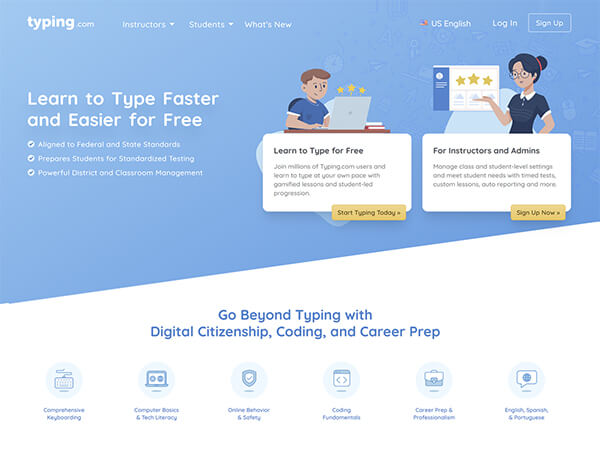
This typing resource contains up to 30 completed typing tests to track overall progress. By tracking a student’s progress, it is able to make suggestions on how students can improve. This resource includes English, Spanish, and Portuguese versions. There are both free and paid versions available.
School Age and Up
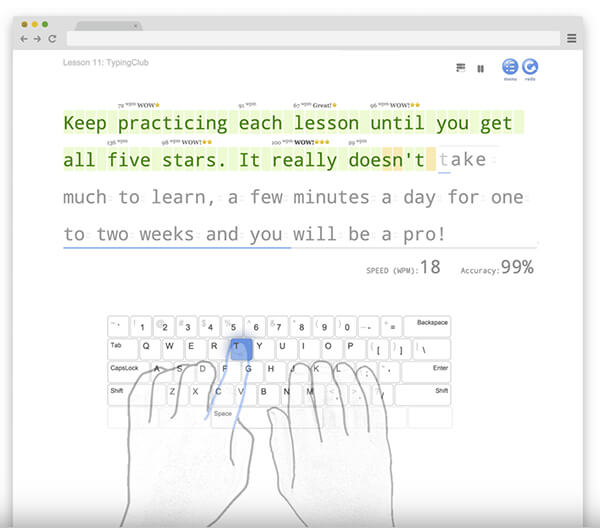
This is a typing site which contains multileveled plans to assist students in progressing in their typing journey. This tool incorporates video, games, and individual feedback to allow it to be interactive. It is available in 14 languages and contains both free and premium versions.
All Ages
Assistive technology is one of the core strategies schools use to help with learning and attention issues. Some adaptive tools are low-tech and some are pretty fancy. Learn about these tools here!

Join our email list
Subscribe to receive
The Latest from DyslexiaHelp
every other month.